
Here’s the thing, every Shopify store leaves digital fingerprints.
The layout, the checkout flow, the little pop-up that nails timing and none of that happens by accident. But you don’t need to look at a single line of code to figure out how they did it.
With a Shopify theme detector, you can find out what makes any store tick, what theme it’s running, which apps it’s using, and whether it’s a stock setup or something custom.
Why You’d Even Want to “Spy”
Let’s call it what it is: research, looking under the hood.
You’re not copying. You’re studying what works. If you’re about to launch a store, rebuild one, or check on your developer’s progress, knowing the actual theme and apps of other Shopify sites gives you real-world references.
You can see how top stores are built, confirm your own setup, or just to make sure you’re not missing anything obvious.
The Tool That Does the Hard Work for You
Our Shopify Theme and App Detector takes a site URL and runs a scan. In seconds, you get:
- The theme name (and whether it’s custom)
- A link to the theme in Shopify’s store
- A price estimate if it’s a paid theme
- A screenshot of the scanned site
- A list of active Shopify apps
No digging, no developer tools, no Chrome console. Just results.
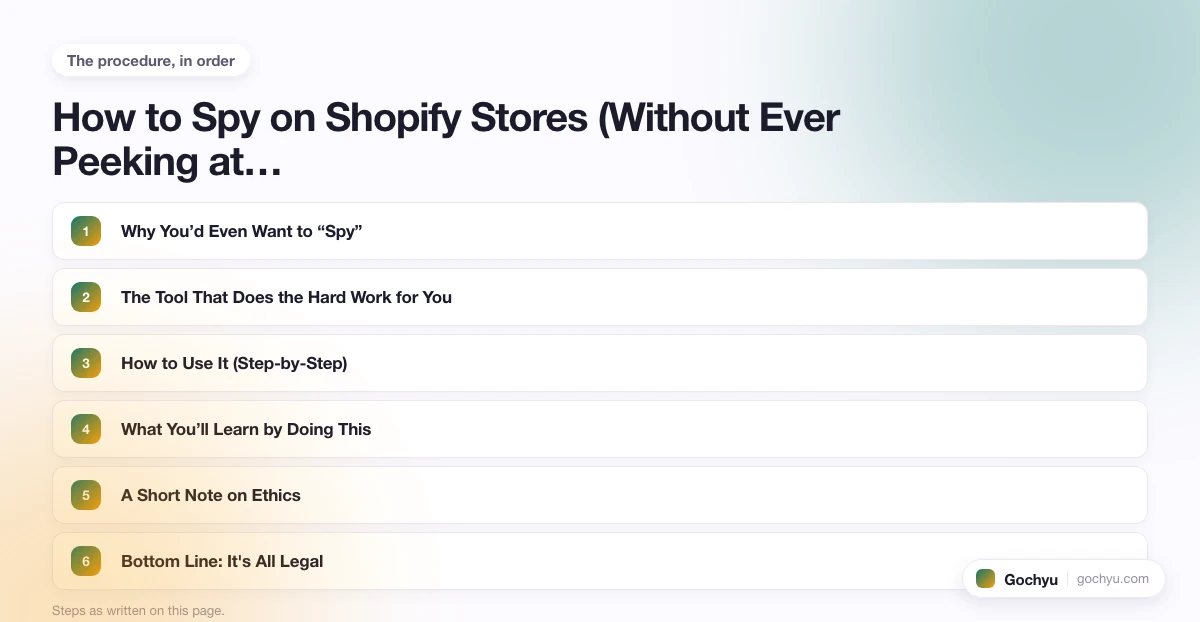
How to Use It (Step-by-Step)
- Grab the URL of any Shopify store you like.
- Paste it into the Shopify Theme Detector.
- Click Detect.
- Wait a few seconds.
- See everything from theme to app list in one report.
That’s it.
You can use it on competitors’ stores, your own store, or client sites to make sure everything matches what’s been promised.
What You’ll Learn by Doing This
A quick scan tells you more than you’d think.
You’ll start to notice patterns, the same themes showing up again and again in successful stores, the same small set of apps that everyone trusts for SEO, shipping, or email.
It’s market research without the spreadsheets.
And when you can spot which setups perform best, you can make smarter choices, like whether a free theme is enough or if a premium one’s worth it.
A Short Note on Ethics
You’re not stealing anyone’s code or assets. You’re looking at publicly available information, the digital equivalent of walking into a store and taking notes on how they arranged the shelves.
It’s fair, it’s legal, and it’s smart business.
Bottom Line: It's All Legal
There’s no secret handshake or hidden code trick. Just a clean, straightforward way to see what’s running under the hood of any Shopify site.
If you want to skip the guesswork and get straight to what works, try the detector, scan a site, and see for yourself.
For a deeper look, see our complete guide to How to Add HTML Code to Your Shopify Store.
* read the rest of the post and open up an offer

